Meeting notes that write themselves.
Wallflower sits quietly on your Mac or PC while you talk. It writes down everything that
is said, including the people on the call, and hands you the summary the moment you stop.
Anything you were asked to do, you can pass on with one click.
Free. v0.7.0 · All versions · It updates itself
when a new one is out. You bring your own transcription key — more on that at the bottom.
Windows warns about an “unknown publisher” the first time, because the installer is not
signed yet.
It hears everyone, not just you
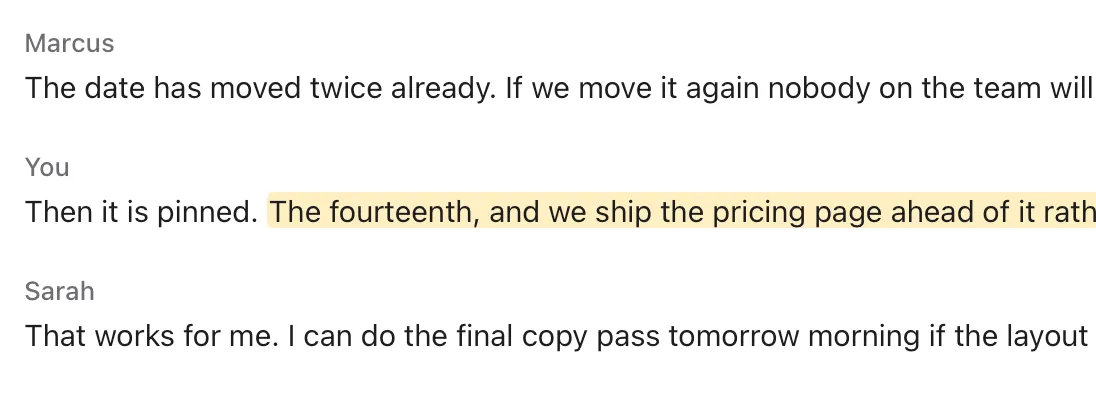
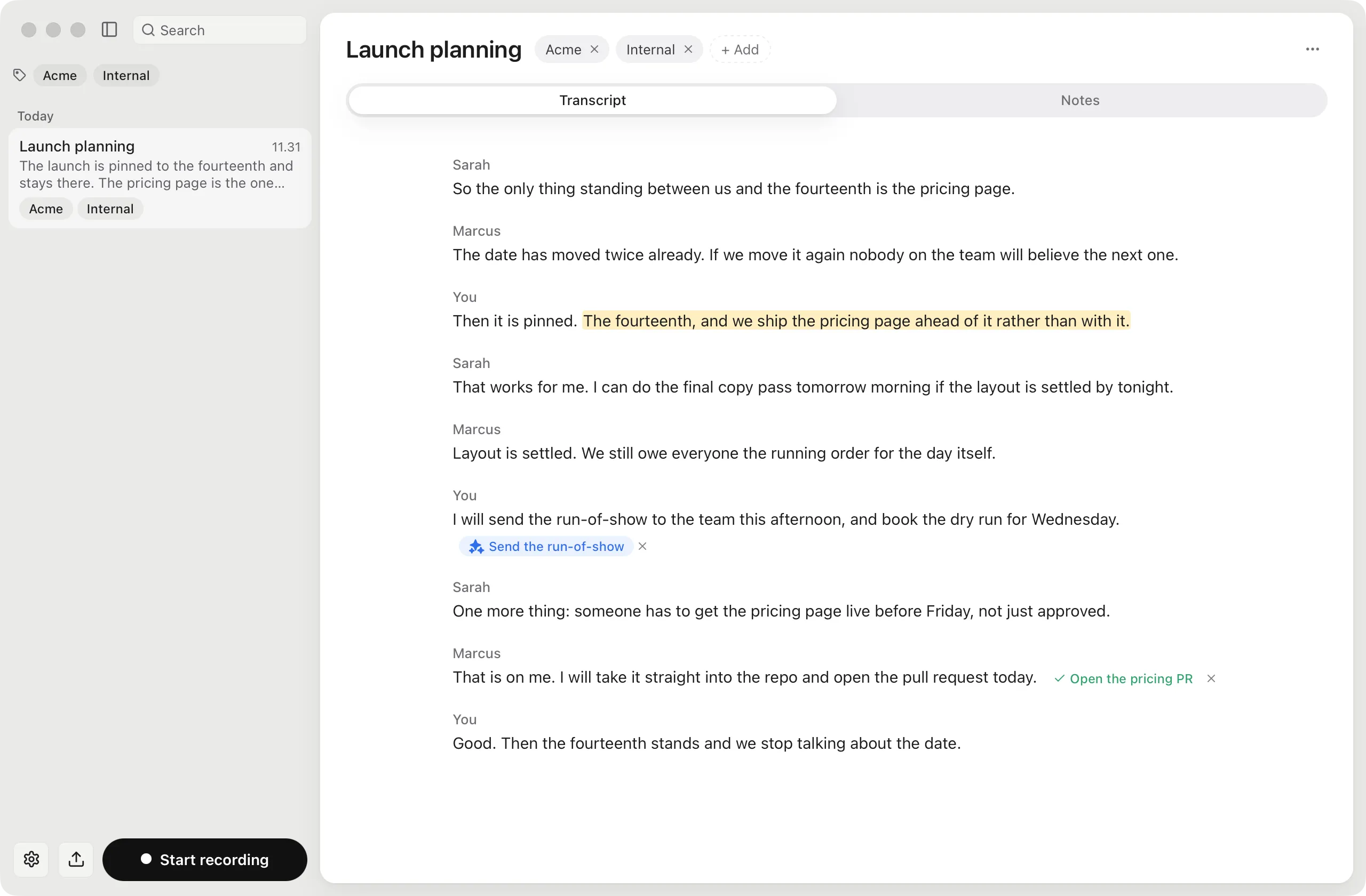
Wallflower listens to your microphone and to the sound coming out of your computer at the same time. So the people on the Zoom, Teams or Meet call get written down too, even while you wear headphones. The words appear as they are spoken.
Turn a sentence into a task
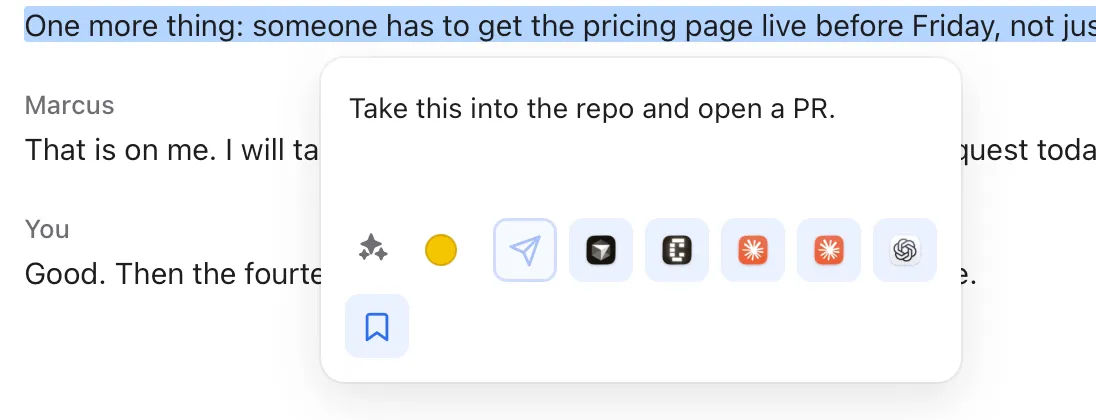
Highlight anything that was said, type what you want done with it, and send it off — to Claude, Cursor, Codex, or your own assistant. Or keep it where it is: Wallflower marks the line in colour and keeps your note with it.
It spots what you were asked to do
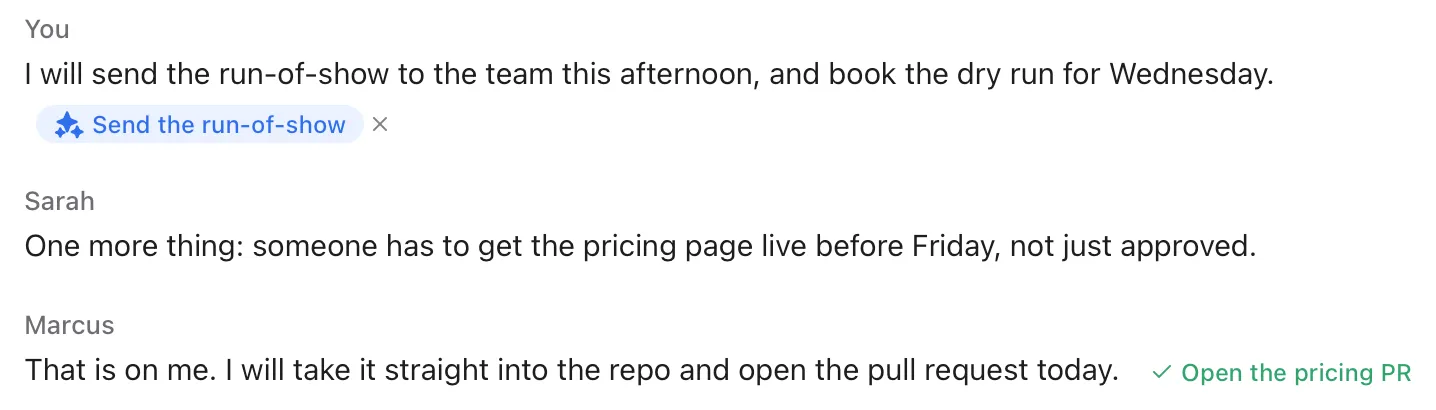
While you talk, Wallflower watches for the moments where someone asks for something. It waits until the person has finished the thought, then puts a small button next to the line. One click and the task is on its way.
The summary is ready when you stop
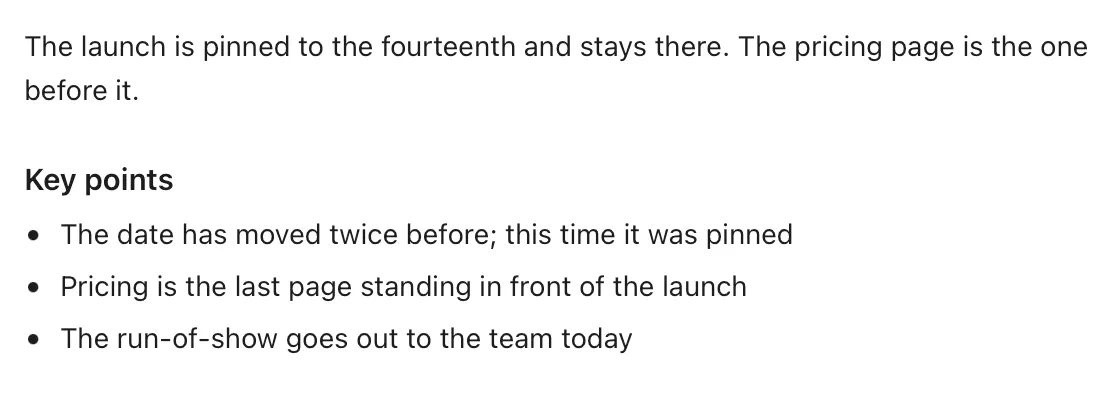
A short recap, the main points, what was decided, and a list of who said they would do what — written in the language the meeting was held in. The recording is kept as well, so nothing is lost if the connection drops.
Hand it to the assistant that already knows you
A lot of people now have their own AI assistant — a Grok bot wired into
their calendar, their email, their code. Wallflower is built to talk to it. The button is
there from the first launch: tell Wallflower your bot's address, and it becomes the one
you press by default.
- 1
Pick the sentence
Highlight what was said, or use the line Wallflower already flagged for you. Then say
what should happen, the way you would say it to a colleague.
- 2
Wallflower sends it over
The sentence and your instruction go straight to your bot. The key that lets it in is
kept in the Keychain, where your computer keeps its passwords.
- 3
Your bot does the work
It already knows who you are and can reach your tools. All it needs from the meeting
is the request itself, who said it, and a little of what was said around it.
What arrives at your bot
{
  "text": "someone has to get the pricing page live before Friday",
  "speaker": "Sarah",
  "note": "Take this into the repo and open a PR.",
  "context_before": "Marcus: Layout is settled...",
  "context_after": "Marcus: That is on me...",
  "meeting": "Launch planning",
  "timestamp": "2026-09-21T09:47:00Z"
}
You decide what that message looks like — this is only where it starts. The address has
to be a secure one (https://), or your own computer while you are still
building the bot. And if the message does not get through, Wallflower tells you instead of
pretending it sent.
Your meetings stay yours.
Wallflower runs on your own machine. The recordings and the text stay there. There is no
account to make and no server of ours in the middle — if you want your meetings on your
iPhone too, they travel through your own iCloud, and if you would rather they did not,
turn it off.
Two things you provide yourself: a key from Soniox,
which does the listening, and one from Anthropic
if you want the summaries. You pay those two directly, at their prices, and the keys are
kept in your Keychain. Then it is: open Wallflower, press record, and forget about it.
 Wallflower